

This website requires JavaScript.

showpremium-appletv

ATV_TOP BANNERATV_TOP BANNER

.

ATV-WHITE_250x150

Sky Show Premium now includes

Apple TV

New: Apple TV is now included within the Sky Show Premium Pass.

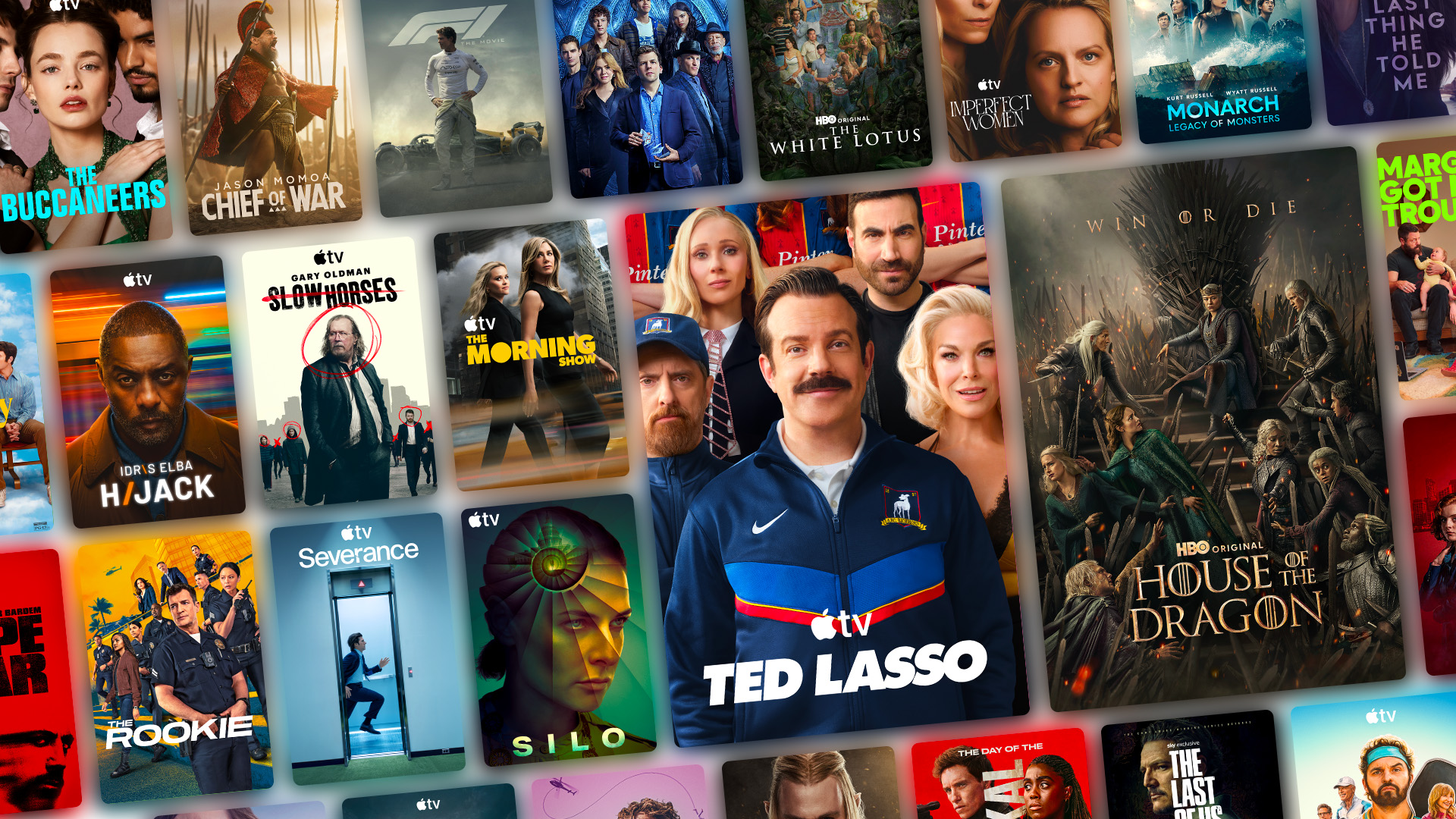
Discover selected new seasons of HBO productions and acclaimed series from renowned studios, the latest blockbusters with Sky Cinema, and stream hundreds of exclusive Apple Originals, with new releases weekly.

Some Apple TV content can be watched directly in the Sky Show app. To enjoy the full Apple TV catalogue, simply download the Apple TV app or visit the Apple TV website after linking your account by going to "My Account" on sky.ch.


About Apple TV series & movies


Discover now Sky Show Premium

Pourquoi nos clients adorent Sky Show

Accès illimité aux séries et aux films

Les séries les plus populaires

Découvre des séries exclusives, dont les dernières saisons de HBO, des titres acclamés de grands studios et des centaines d’Apple Originals. Disponible uniquement en anglais et en allemand.

Sky Cinema

Regarde les plus grands blockbusters hollywoodiens peu après leur sortie en salle.

Séries et films primés

Découvre un catalogue de films primés lors des cérémonies internationales les plus prestigieuses.

Partout et à tout moment

Jusqu'à 4 streams simultanés / Téléchargement sur mobile ou tablette.

Prime de fidélité

Ta fidélité est récompensée après 6 mois consécutifs. Regarde tes séries et films préférés à prix préférentiel.

Sans engagement

Annulable à tout moment.


How do I set up my Apple TV account?
As soon as you have a Sky Show Premium Pass and start Apple TV content from the Sky Show app or website, you will be asked to link your Sky Show account to your Apple Account.
This prompt may appear:
- on the Sky Show website;
- in  the Sky Show mobile app;
- in the Sky Show app on your Smart TV.

To activate your access:
1. Open the Sky Show app or visit the Sky Show website.
2. Select any Apple TV content.
3. Click Activate my account or scan the QR code displayed on your screen.
4. You'll be redirected to Apple TV.
5. Sign in with your existing Apple Account or create a new one.
6. Follow the on-screen instructions to complete the activation.

Once your accounts are linked, you'll have access to the entire Apple TV catalog in the Apple TV app and on the Apple TV website, all included with your Sky Show Premium Pass. Some Apple TV content can be watched directly in the Sky Show app. To enjoy the full Apple TV catalogue, simply download the Apple TV app or visit the Apple TV website and link your Apple TV account.